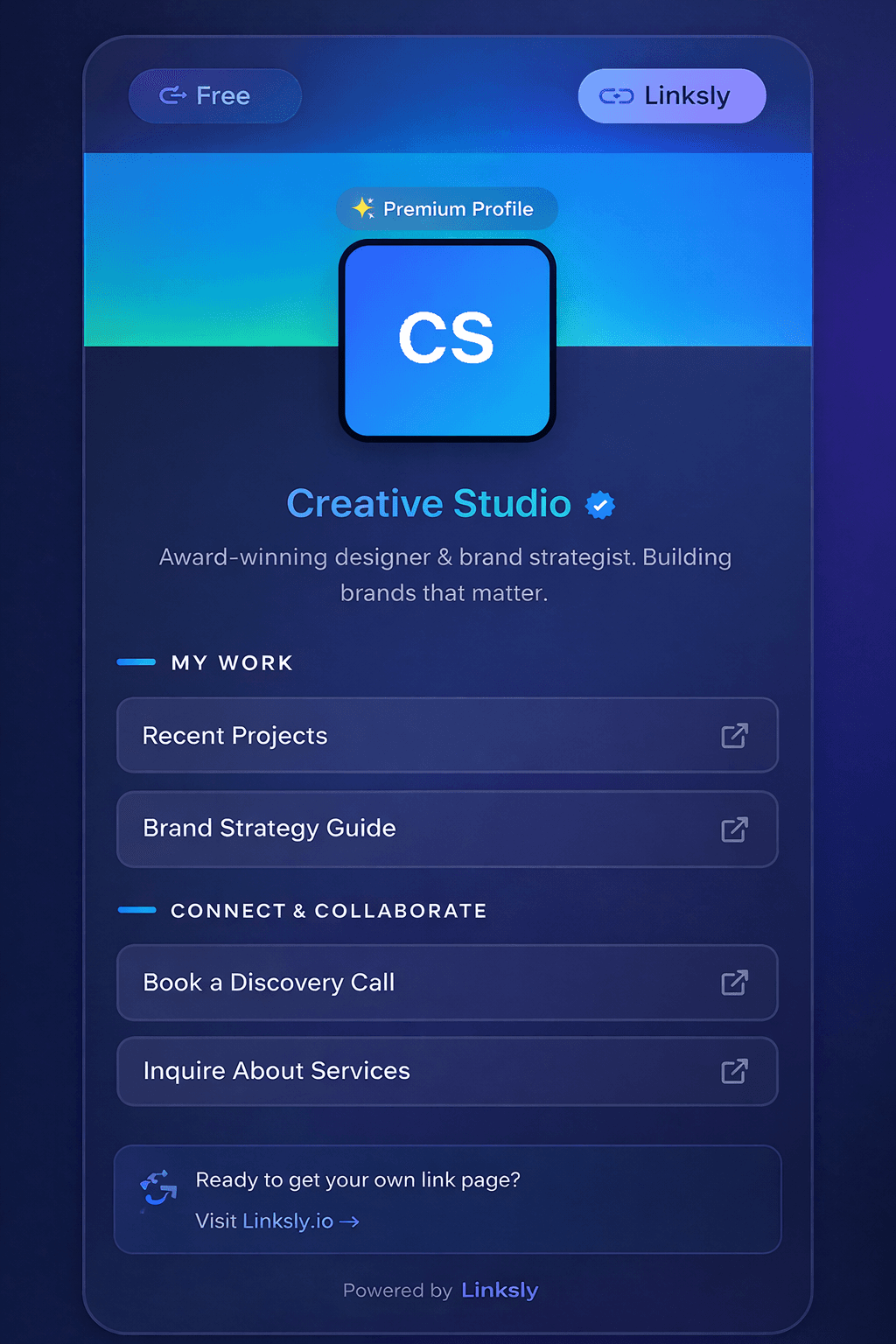
Nova Horizon
Deep blue, cyan accents, and translucent panels.
 LinkinApp
Your latest work, your social profiles, your next big thing. Bring them together on a public page that starts with you.
Your corner of the internet.
A little about you. Everything you share.
Choose a template. Add your links. Share your page.
Add your profile image and bio so visitors know whose page they have opened.
Add destinations and social accounts. Keep your current work within reach.
Set a username, activate your template, and share your public profile from the dashboard.
Find a style for your page. Sign in to open a full preview or start customizing.
Template screenshots contain example profile content.
Deep blue, cyan accents, and translucent panels.
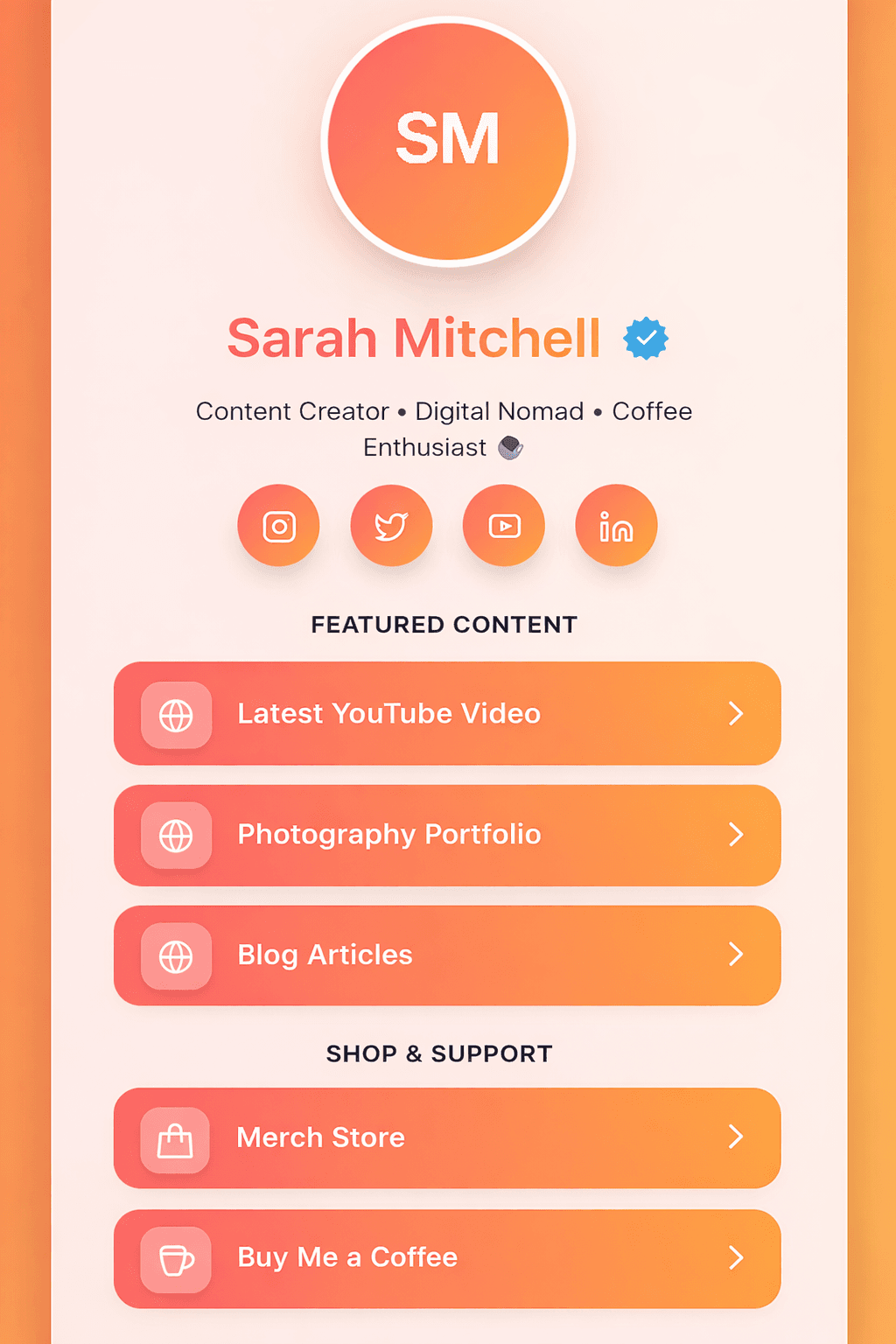
Warm orange and coral with a sunset-inspired background.
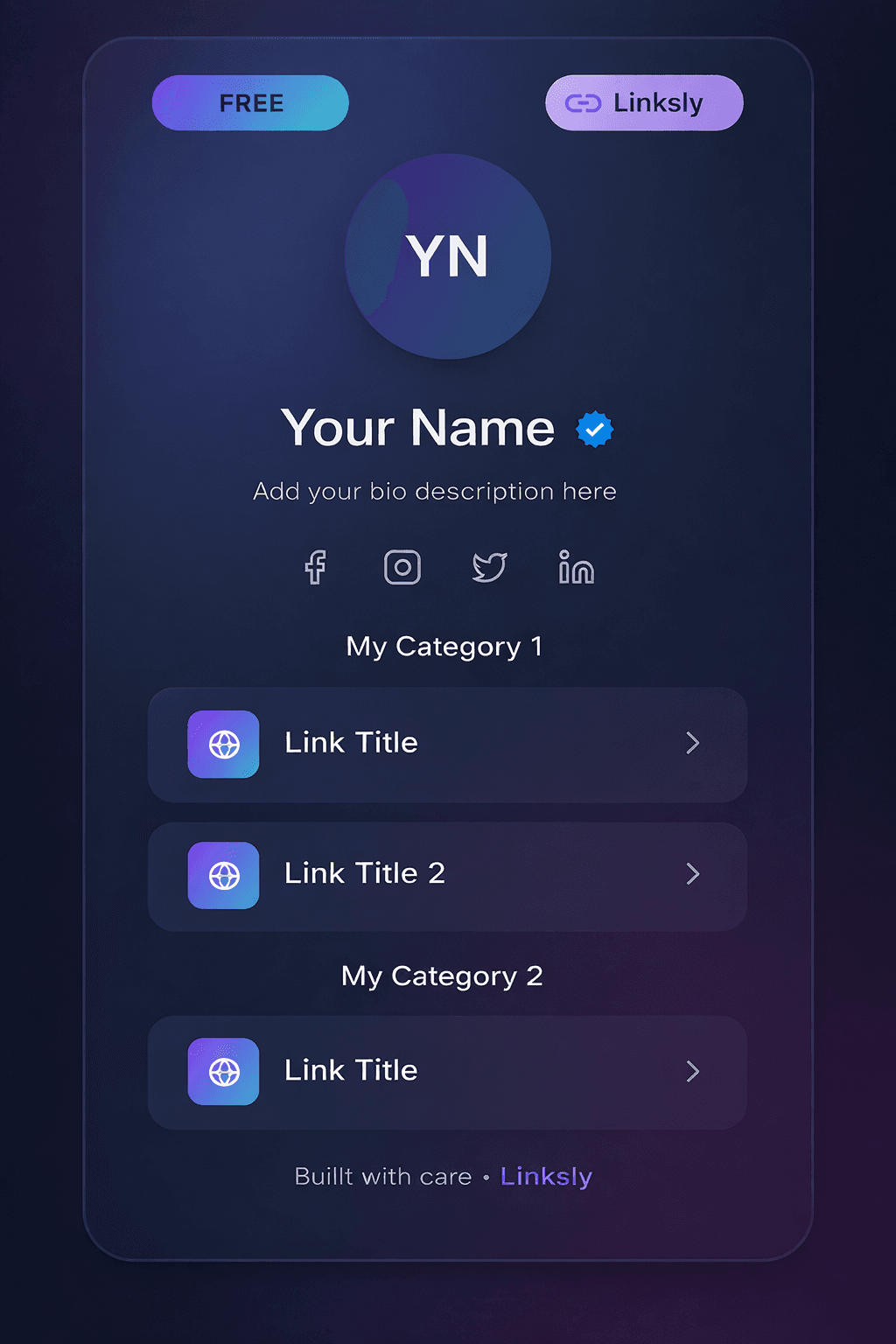
A dark canvas with aurora-inspired gradients.
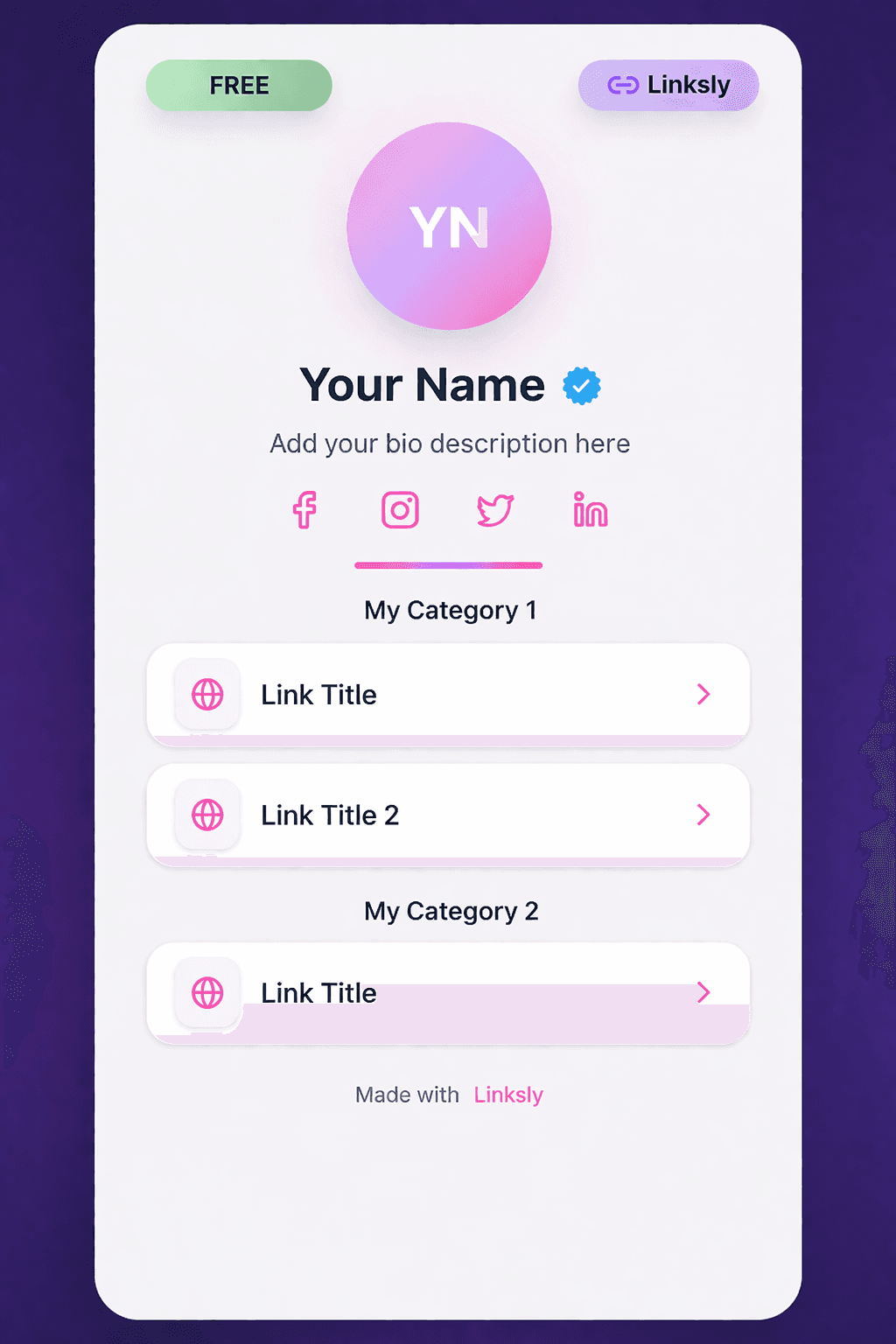
Soft pastel gradients and a lighter profile layout.
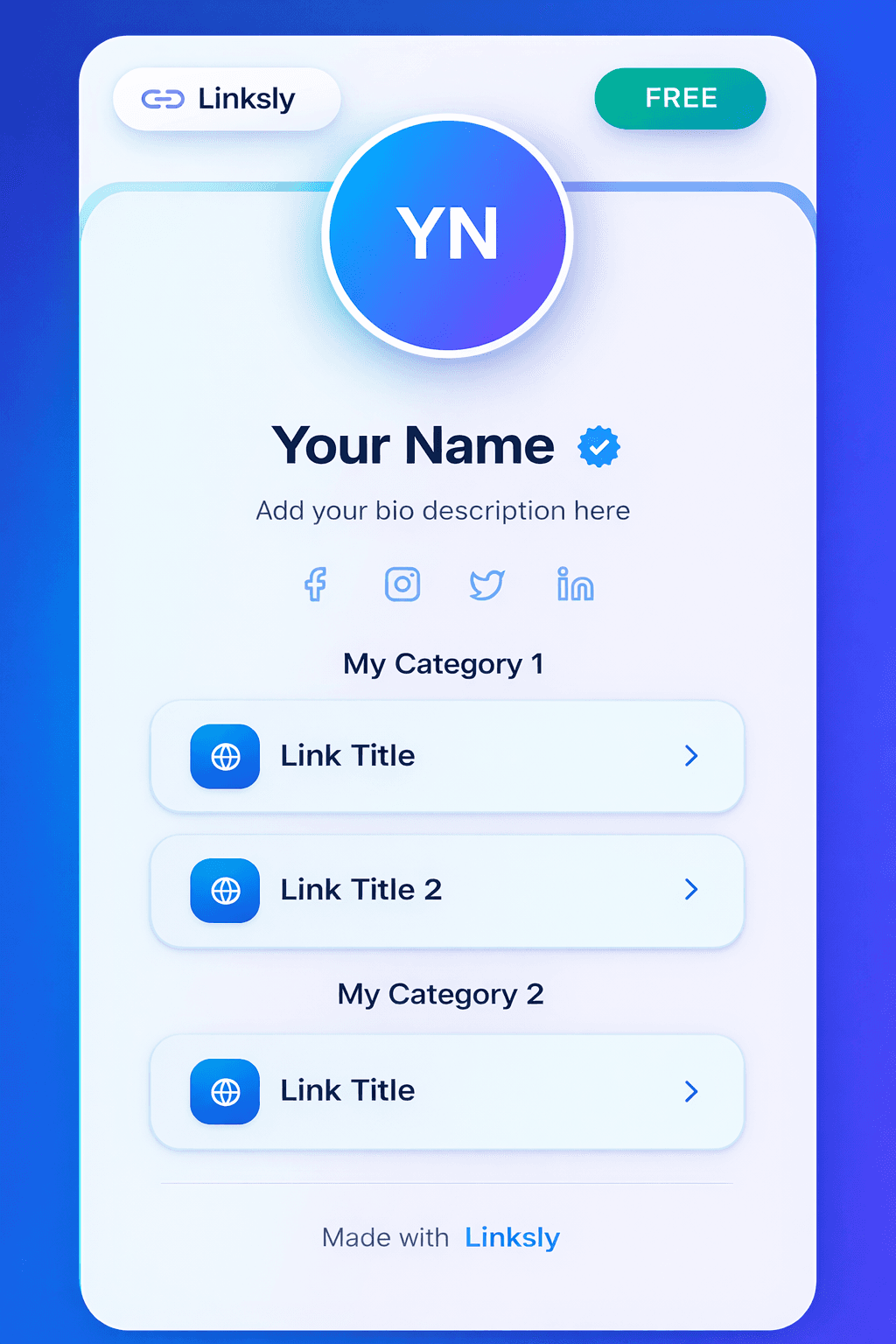
Bright blues and layered, glass-like elements.
Save your templates, choose which one is active, and come back to edit your content. Page click counts help you follow the response.
Add a profile image, a bio, your links, and social accounts. The template editor lets you manage the content shown on your public page.
Yes. Return to your saved templates in the dashboard to edit your page content or activate another saved template.
Your username identifies your public profile. Set it in account settings before creating a page, then use the dashboard to copy your public address.
Your saved templates include page click counts. Link analytics are also available for short links you manage in LinkinApp.
Start with a template. Bring your links along.